
Changing the background colors of your email
You should always
choose your background color before choosing your font
color.
Click the source tab on your Outlook Express
compose Window (at the bottom) If you don't see the Source Edit Tabs,click on "View" at
the top of your compose window and put a
checkmark next to "source edit" by clicking it. Look for <body
bgColor=#FFFFFF>
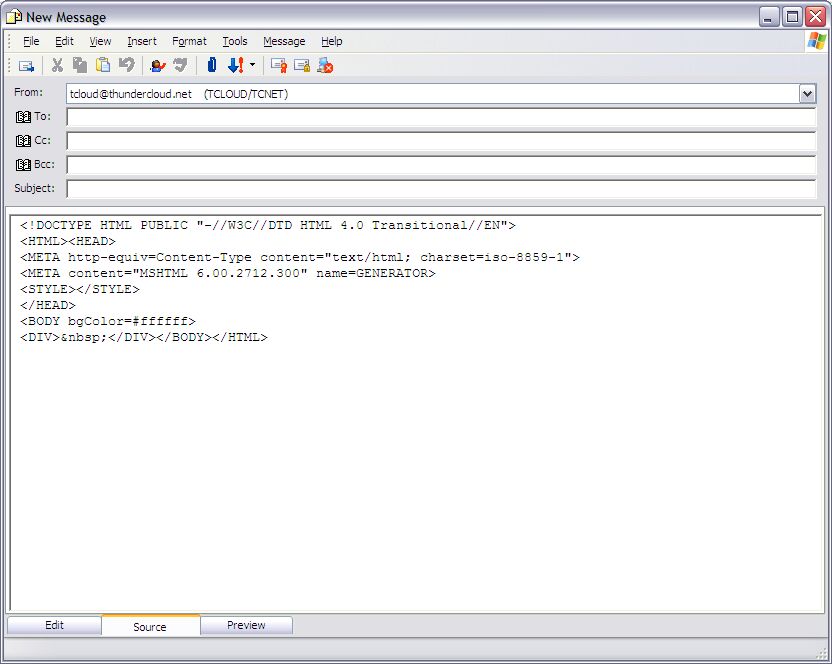
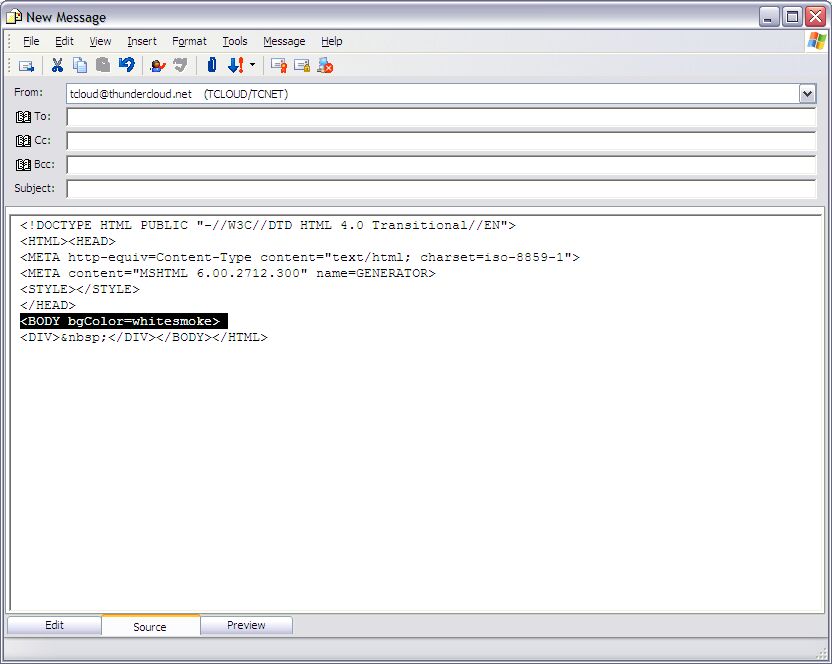
Remove the #FFFFFF and replace it with a
color name from the Color Chart.
|