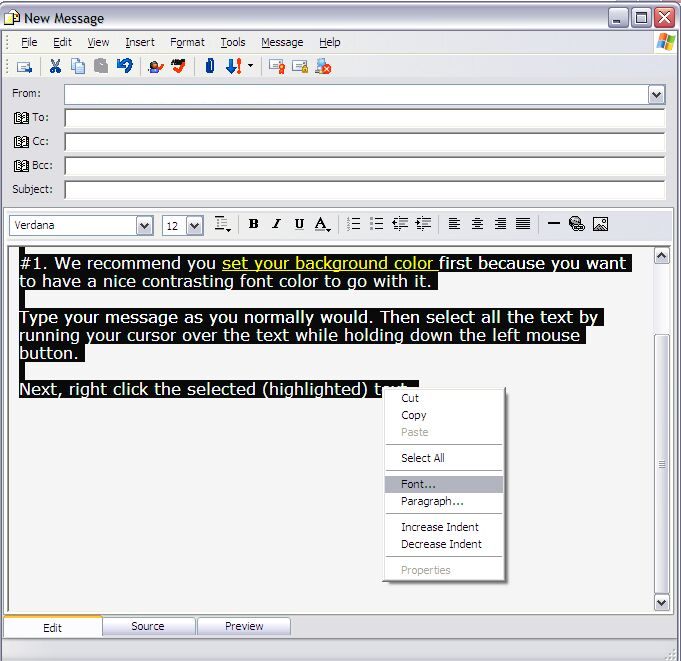
Once the text is highlighted right-click on the
selected text and choose "font" from the menu
and then color. We're going to graphically show you the steps. Here is the message with
the text already selected (highlighted). Click on the button at the bottom of this page to
proceed to the next picture.