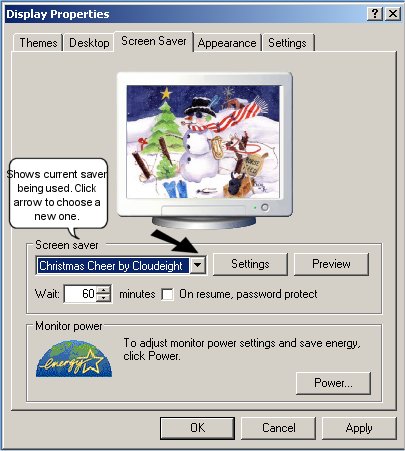
Do you want to change screensavers? First, either right click on your desktop and choose Properties and then click the Screensaver tab, or go to Control Panel, choose Display and choose the Screensaver tab. If you are using Windows 7, right click on a blank area of your desktop and choose Personalize.
Now, just click the arrow next to the name of the current screensaver, and you will see a list of all the screensavers installed on your system. As shown in the picture below, the current saver being used is "Christmas Cheer." Make your choice, click "Apply" and now the next time your screensaver comes on, the new choice will show!